
Snapmaker U1: A Revolutionary Innovation in Desktop Three-Color 3D Printing

Integrating Functions in a Single Device: The Snapmaker Philosophy
When Snapmaker first entered the desktop fabrication market, the company focused on delivering machines that combined multiple technologies into a single device. Its previous models, such as the Snapmaker Original and Snapmaker 2.0, integrated CNC carving, laser engraving, and 3D printing. The goal of this integration was clear: to reduce the need for multiple separate devices, save workspace, and provide users with a flexible and all-in-one tool.
This approach allowed hobbyists, educators, and innovators to enjoy a smoother experience, making it possible to turn ideas into tangible models without switching between different machines. It also established Snapmaker devices as essential tools for those interested in experimentation and development in small environments like garages or living rooms.
Focusing on Multi-Color Printing: Snapmaker U1
In a new move, the company introduced the U1, representing a shift in its design strategy. Unlike previous multi-tool devices, the U1 focuses entirely on enhancing the multi-color 3D printing experience for everyday users.
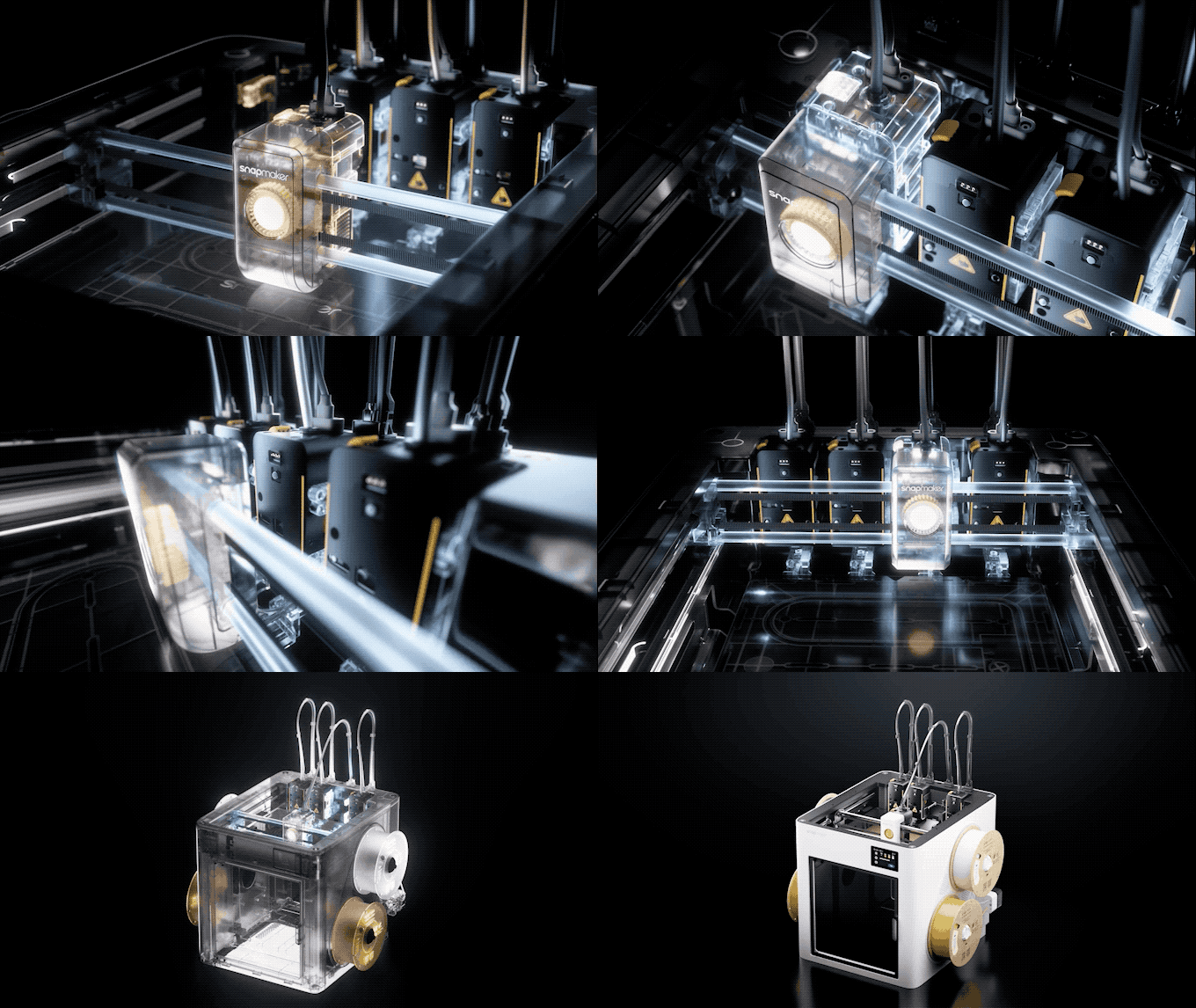
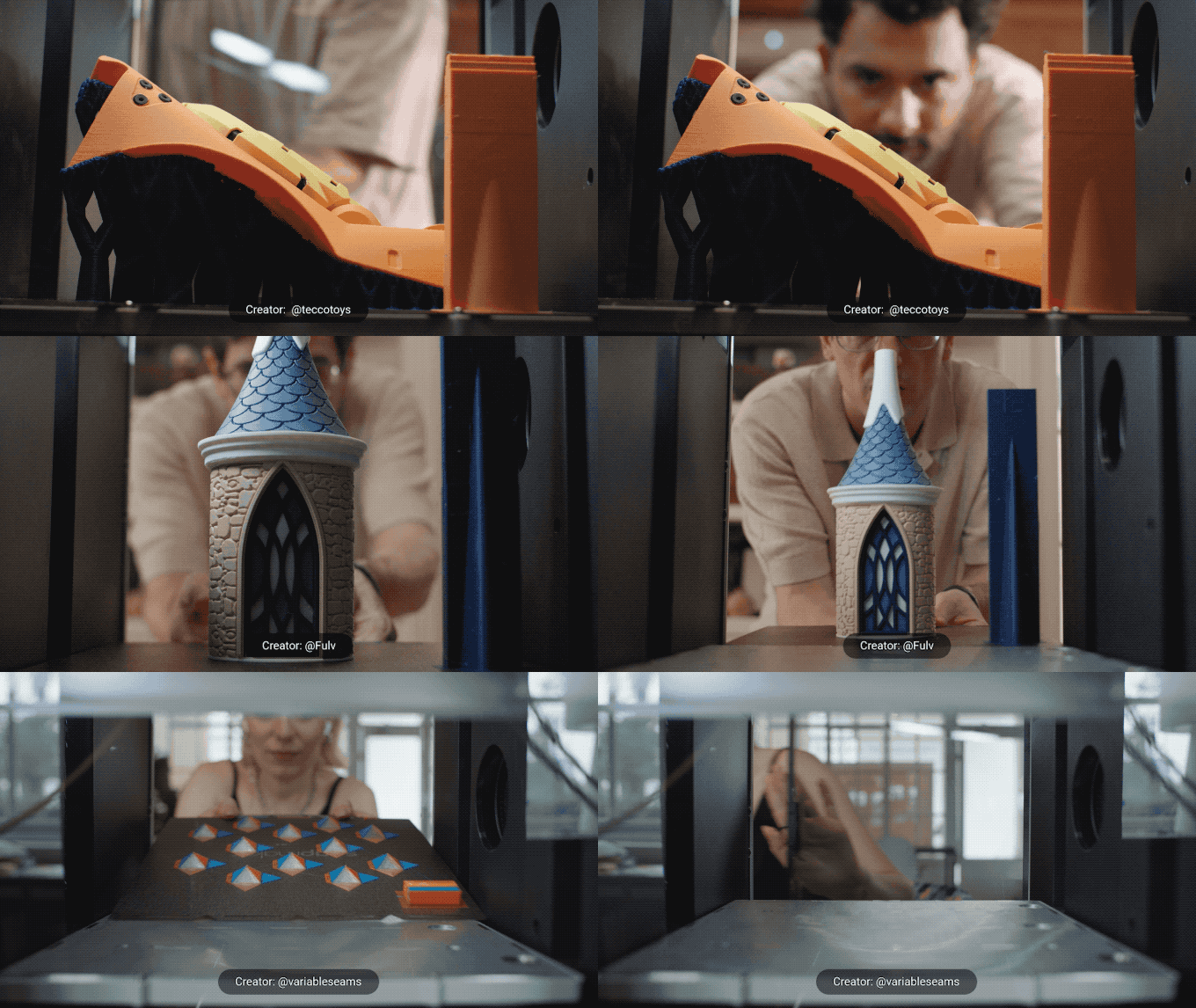
This device features an innovative system with four automatically interchangeable toolheads, solving many traditional challenges in multi-color printing. For example, users no longer need to clean filament between color changes or deal with errors caused by a single extruder’s inability to manage complexity. Instead, the U1 can switch between four toolheads during printing with high precision, making multi-material printing as seamless as single-color printing.
Four-Tool Carousel System: Precise Engineering Innovation
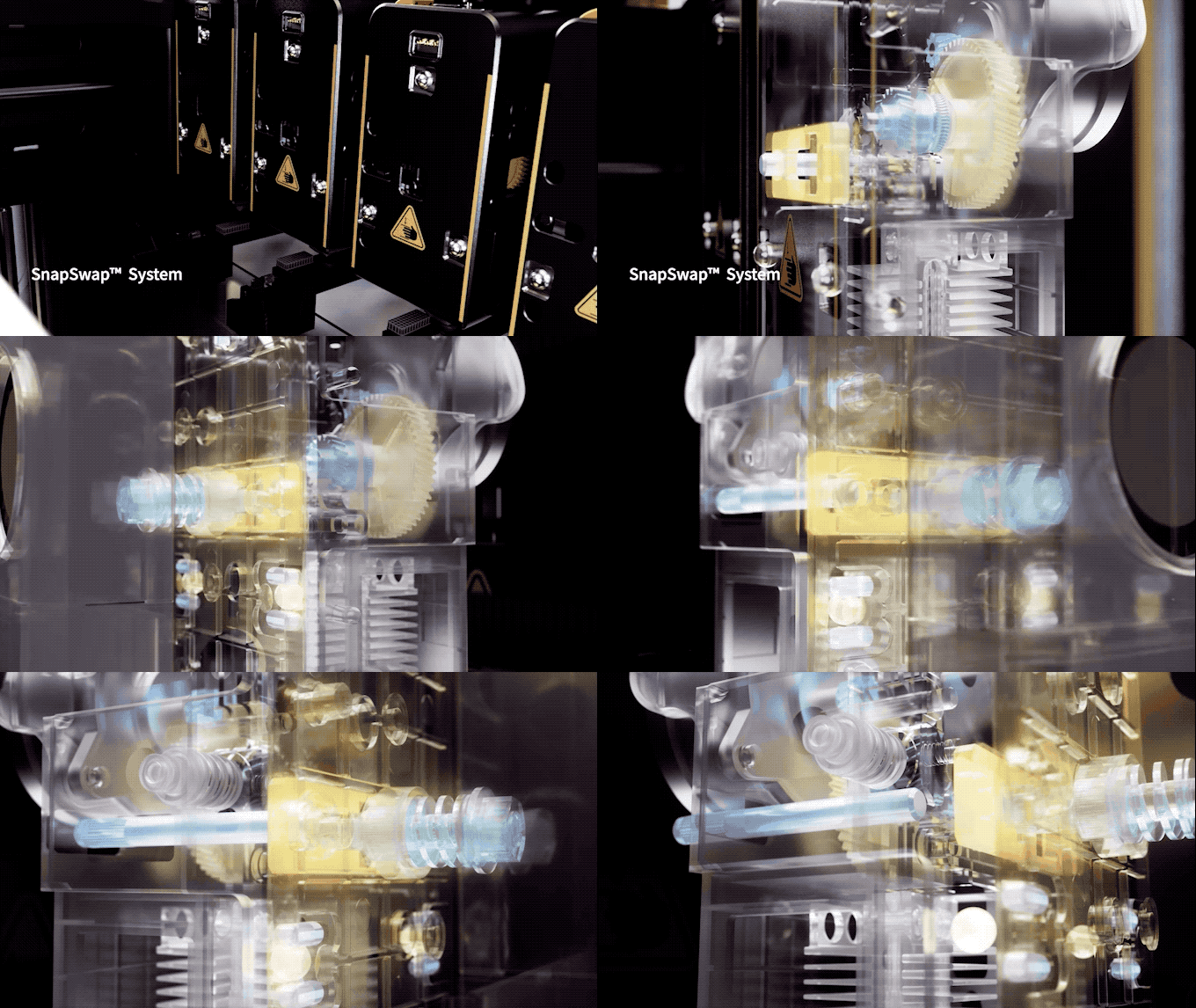
At the core of the U1 lies the four-tool carousel system, an engineering innovation that delivers precise control and high flexibility in multi-material printing. Each toolhead is mounted on a modular docking station equipped with built-in sensors, ensuring perfect alignment with every switch.
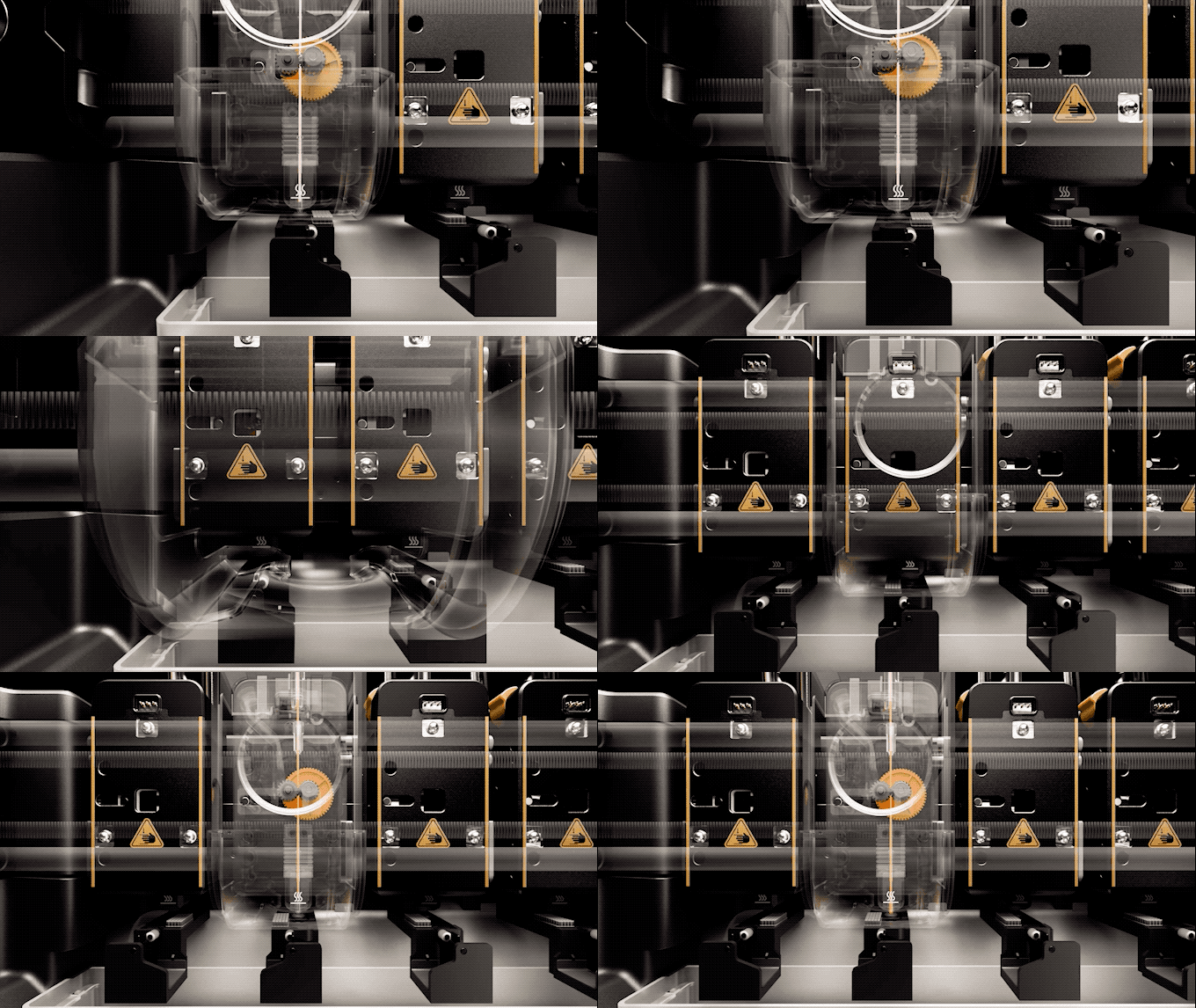
When switching from one material to another, for example, from red PLA to black PETG, the system docks the current toolhead and automatically picks up the next one with virtually no delay. The switching process takes only a few seconds, and since each material remains in its designated nozzle, pre-cleaning or wiping is unnecessary.
As a result, this technology provides cleaner color transitions, faster print times, and reduced filament waste. The device comes standard with four 0.4 mm stainless steel nozzles, with future expandability to meet the diverse needs of users seeking different capabilities.

Printing Performance and Technical Specifications of the U1
The U1 delivers printing quality with robust specifications that cover a wide range of needs, whether for large projects or multi-part small prints. Its generous build volume of 270 × 270 × 270 mm provides ample space for complex projects or producing multiple models simultaneously.
In terms of speed and performance, the printing speed reaches up to 500 mm/s, with acceleration rates up to 20,000 mm/s², placing the device in the high-performance category among desktop 3D printers. The heated bed supports temperatures up to 100°C, enabling printing with engineering materials such as ABS and PETG.
Each toolhead can reach temperatures up to 300°C, allowing the use of high-temperature materials like polycarbonate and nylon. The printer is compatible with standard 1.75 mm filaments, giving users the freedom to use a variety of spools without relying solely on the company’s products. Additionally, the side spool holders can accommodate up to four spools ready for use, facilitating continuous printing without interruption.
Ease of Setup and Operation
The U1 is designed for user-friendly setup and operation, a hallmark of Snapmaker devices. Its filament routing system ensures each material flows from its spool to the correct toolhead without tangling or cross-contamination, maintaining print accuracy and quality.
The automatic bed leveling system prepares the printer for efficient printing, while the 3.5-inch touchscreen provides clear instructions for selecting materials and adjusting print settings.
Additionally, the slicing software automatically distributes colors and materials across different parts of the model and generates toolhead switch commands without manual intervention.
Loading new filaments is also extremely smooth: the user simply feeds the filament through dedicated tubes, and the printer handles the rest. The printer is also designed for easy routine maintenance, as each toolhead can be removed individually for cleaning or nozzle replacement.
Clean and Quiet Operation
One of the standout advantages of the U1 compared to other multi-material printers is its cleanliness and quiet operation. Traditional printers often create a mess with wipe towers and wasted filament during material changes, whereas the U1 eliminates this issue, making multi-color printing almost as efficient as single-color printing.
The enclosed versions of the printer operate quietly enough for overnight printing in bedrooms or small apartments, while the open versions are also noticeably quiet, thanks to high-quality stepper motors and a rigid frame that reduces vibrations.
Additionally, the flagship model features an efficient air filtration system that keeps the workspace fresh and healthy during long printing sessions, enhancing the user experience and minimizing discomfort from odors or airborne particles.
Design and Engineering of the U1
The U1 features a sturdy machined aluminum frame, similar to other Snapmaker devices, with precisely manufactured components that reflect attention to detail. The printer measures 584 × 499 × 730 mm and weighs 18.2 kg, giving it a strong presence without being bulky or difficult to handle.
The heated bed includes a flexible steel sheet with a PEI surface, allowing the use of most filament types without additional adhesion aids. The electrical connections are well-organized and protected, with drag chains controlling cable movement to prevent tangling and maintain order.
The touchscreen provides a smooth and responsive user experience, displaying real-time temperatures, print progress, and the status of the toolheads. Even small details, such as the integrated 2-megapixel chamber camera and multiple connectivity options, reflect a carefully considered design aimed at delivering a seamless and efficient user experience.
Material Compatibility and Advanced Printing Capabilities
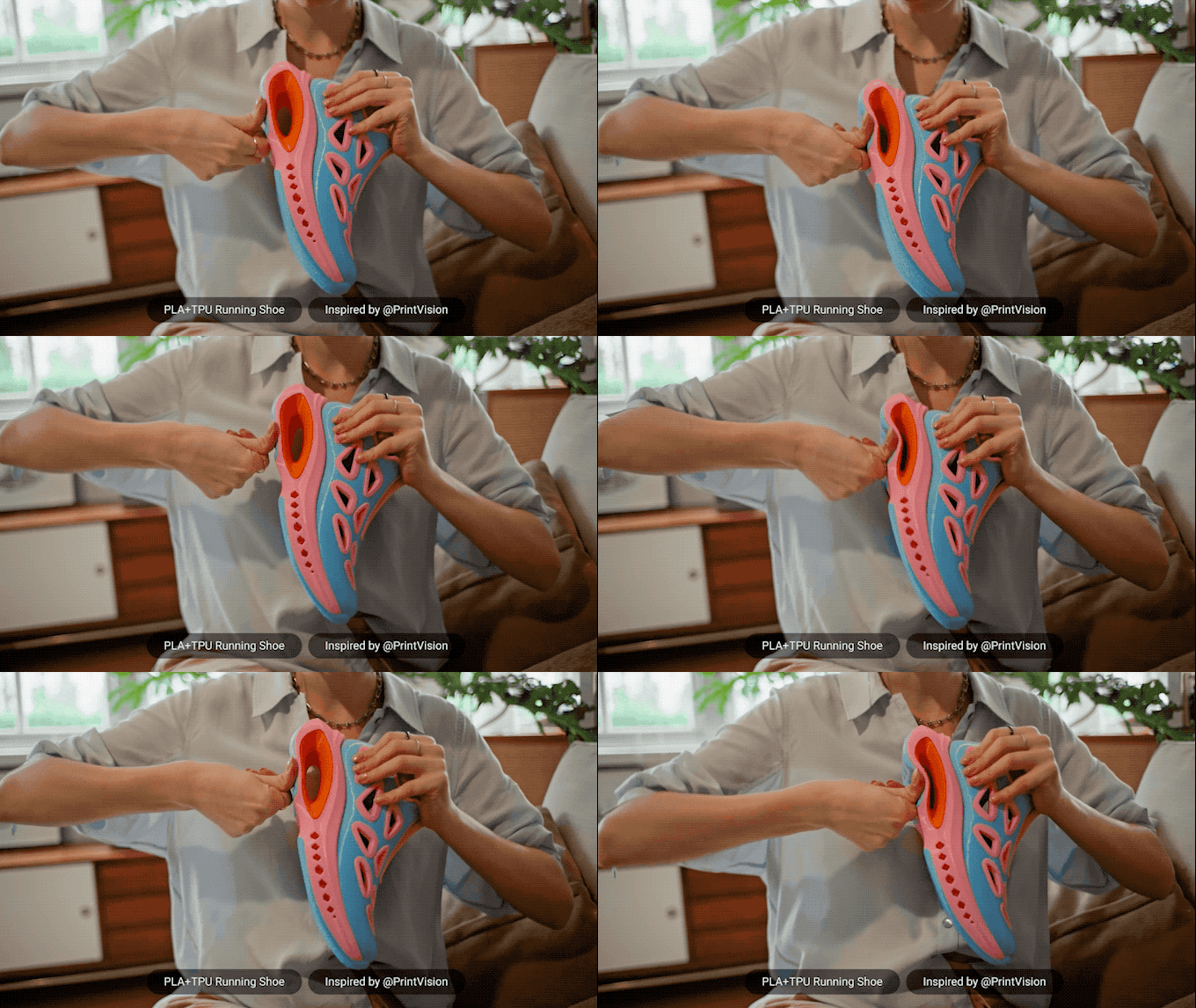
The U1 offers great flexibility regarding printable materials, which is further enhanced when using optional accessories. Out of the box, the printer supports PLA, PETG, TPU, and PVA, suitable for basic multi-material printing.
With the addition of the optional top cover, the printer can handle more challenging materials such as PET, ABS, ASA, PA, and PC, opening the door to advanced industrial and engineering applications. Using the top cover along with reinforced steel nozzles also allows printing carbon fiber and glass-reinforced polymers, materials that could damage standard brass nozzles.
Additionally, the automatic filament system with RFID recognition enables the printer to accurately identify the loaded material and adjust settings automatically, ensuring the best possible print quality for each material used.
U1: A Major Step Forward in Desktop 3D Printing
The Snapmaker U1 represents a tangible advancement in desktop 3D printing technology, addressing challenges that have long hindered multi-material printing. The device demonstrates how thoughtful industrial design combined with ease of use can deliver a revolutionary printing experience, rather than just incremental improvements.
Its four-toolhead system enables smooth and efficient multi-color printing, making three-color printing accessible to everyday users. This has a significant impact on designers creating product prototypes, educators teaching engineering concepts, and hobbyists seeking to expand the boundaries of their creativity. In all these scenarios, the U1 provides capabilities previously limited to high-cost industrial printers, reflecting a successful integration of performance and affordability for desktop users.

Practical Summary and Availability of the U1
The U1 stands out by delivering multi-material printing capabilities in a comprehensive package at a competitive cost compared to market rivals such as Bambu, Prusa, and Creality. Each unit comes equipped with four toolheads and four PLA filament spools, allowing users to start printing right out of the box, with the option to expand functionality later through accessories like the top cover or filament dryers.
The device has gained significant attention on crowdfunding platforms, reflecting strong market demand for desktop multi-material printing solutions. In terms of warranty and customer support, Snapmaker offers a one-year warranty on the printer and three months on toolheads and spool holders. Customers in the EU and certain other regions benefit from a two-year warranty, highlighting the company’s commitment to providing relatively extended coverage for consumers.
✦ ArchUp Editorial Insight
The Snapmaker U1 provides advanced three-color printing capabilities, making it especially valuable in architectural prototyping, where fine details and tangible project visualizations are essential. Its ease of operation and smooth material-switching system create a seamless experience for students, engineers, and hobbyists alike.
However, the build volume remains somewhat limited for large-scale projects, and its ability to manage complex material properties is lower compared to industrial-grade printers. Optional accessories may also add to the overall cost when aiming for more advanced performance. Ultimately, the U1 serves best as a prototyping tool rather than a complete replacement for industrial technologies, especially when considering size and material constraints.
Prepared by the ArchUp Editorial Team
Don’t miss the chance to explore more from Architecture in fields like Design and Architectural News on the ArchUp website.