
A Practical Introduction to Digital Drawing: An Analytical Review of the Wacom One 14 Experience

Introduction to Digital Creativity
In recent years, digital creativity has become more accessible than ever. However, many beginners still hesitate at the starting point, especially due to the common belief that entering this field requires expensive and complex equipment.
The Role of Educational Tablets
Affordable educational devices help break this barrier by providing users with ample workspace and practical tools that allow them to explore their creative potential without committing to high costs.
Overcoming Initial Obstacles
The most common obstacle for entering the world of digital drawing or design is the perception that professional equipment is a prerequisite for getting started. However, the availability of accessible alternatives plays a crucial role in encouraging beginners, students, and even curious creators to take the first step, opening the door to learning and gradually refining their skills.
High-Resolution Screen with Ample Workspace
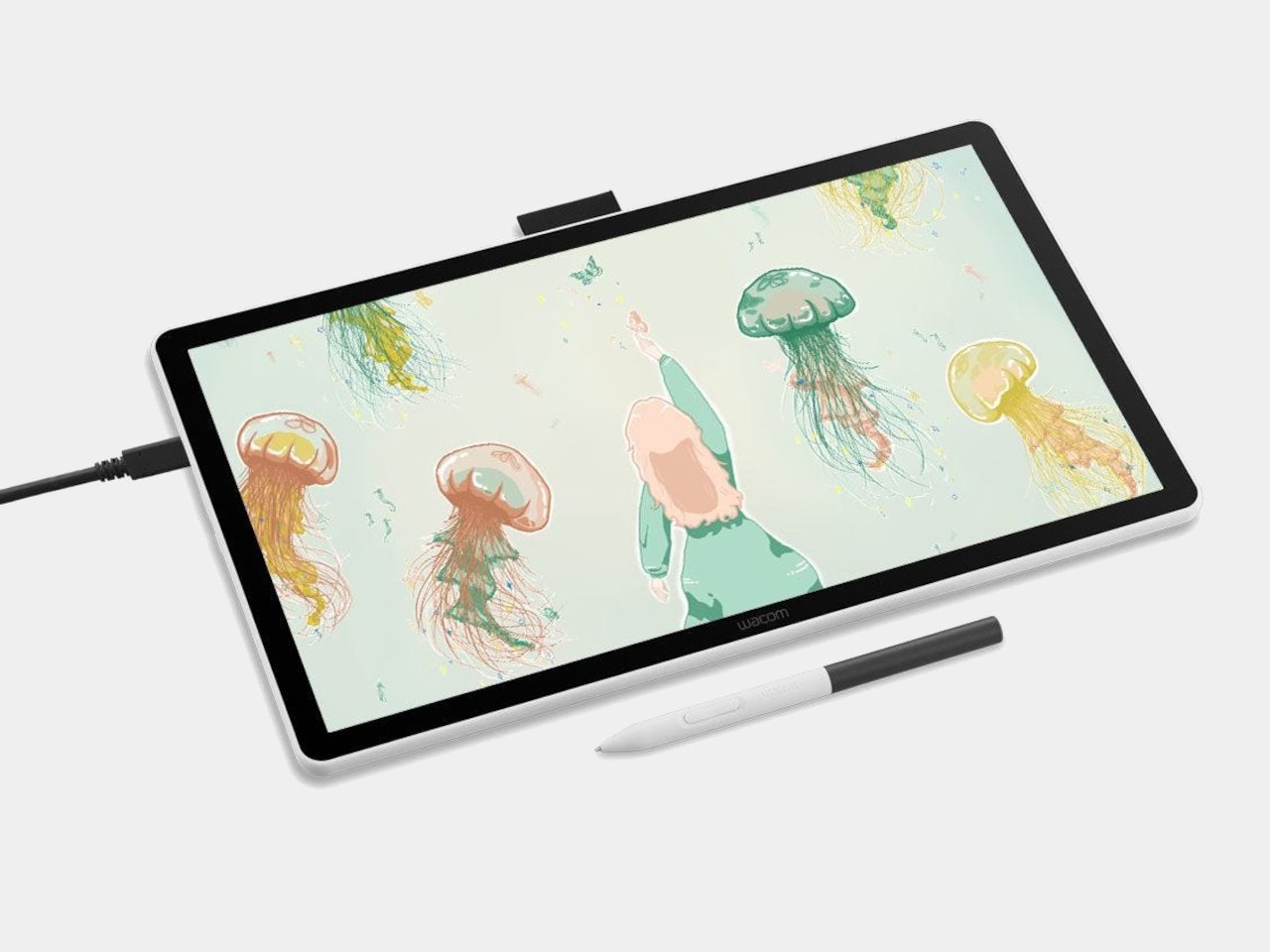
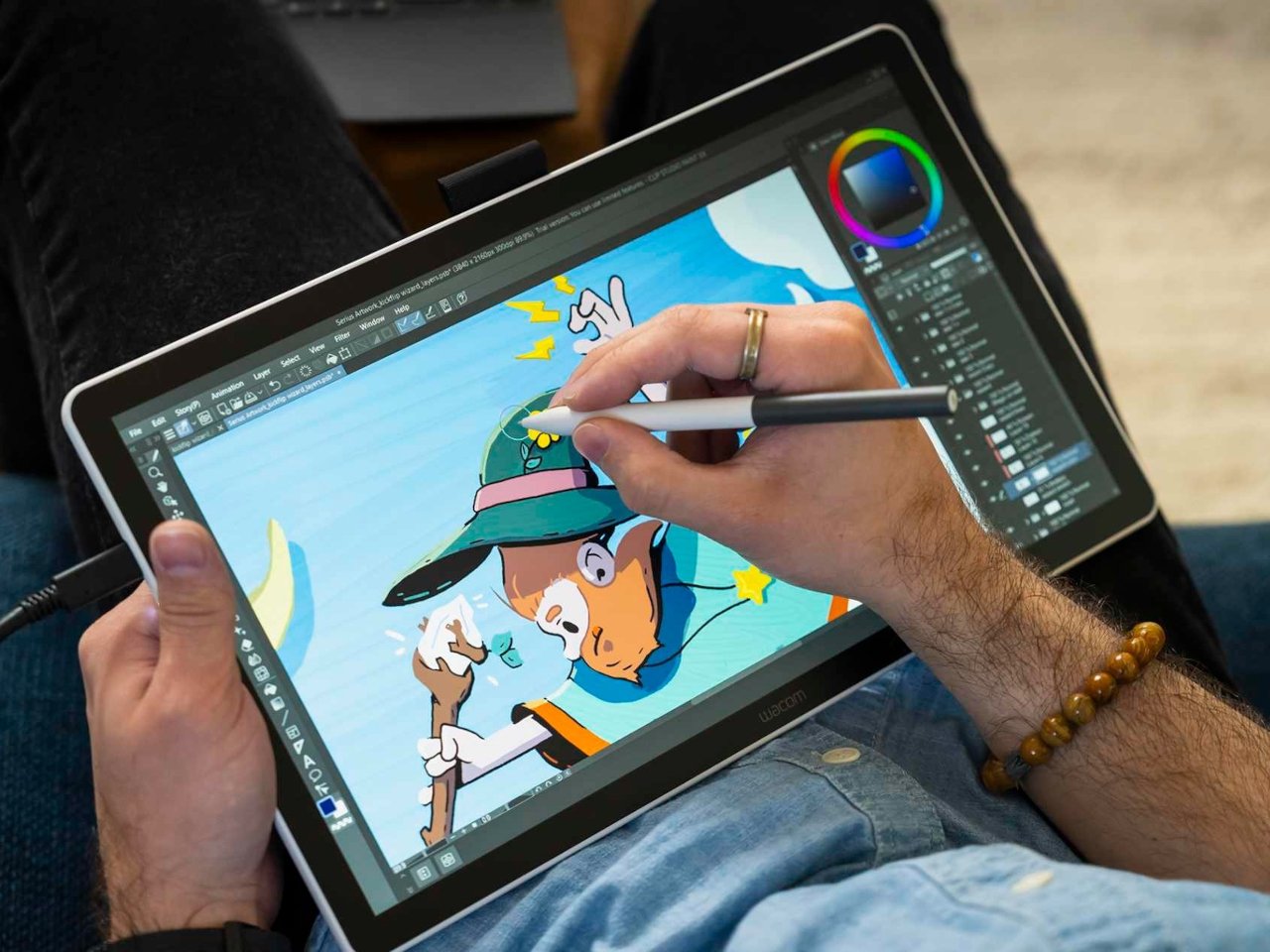
The 14-inch display captures attention with a resolution of 1920×1080 pixels, providing clear details that are easy on the eyes. Despite offering generous workspace, the device’s size doesn’t take up much desk space, providing a practical balance between comfort and portability.
Simple Design and Quiet Operation
The design is based on simplicity, ensuring it doesn’t distract the user or overshadow the creative experience. This feature allows the focus to remain on the idea itself, rather than the device’s appearance or external details.
The Pen as a Tool for Expression
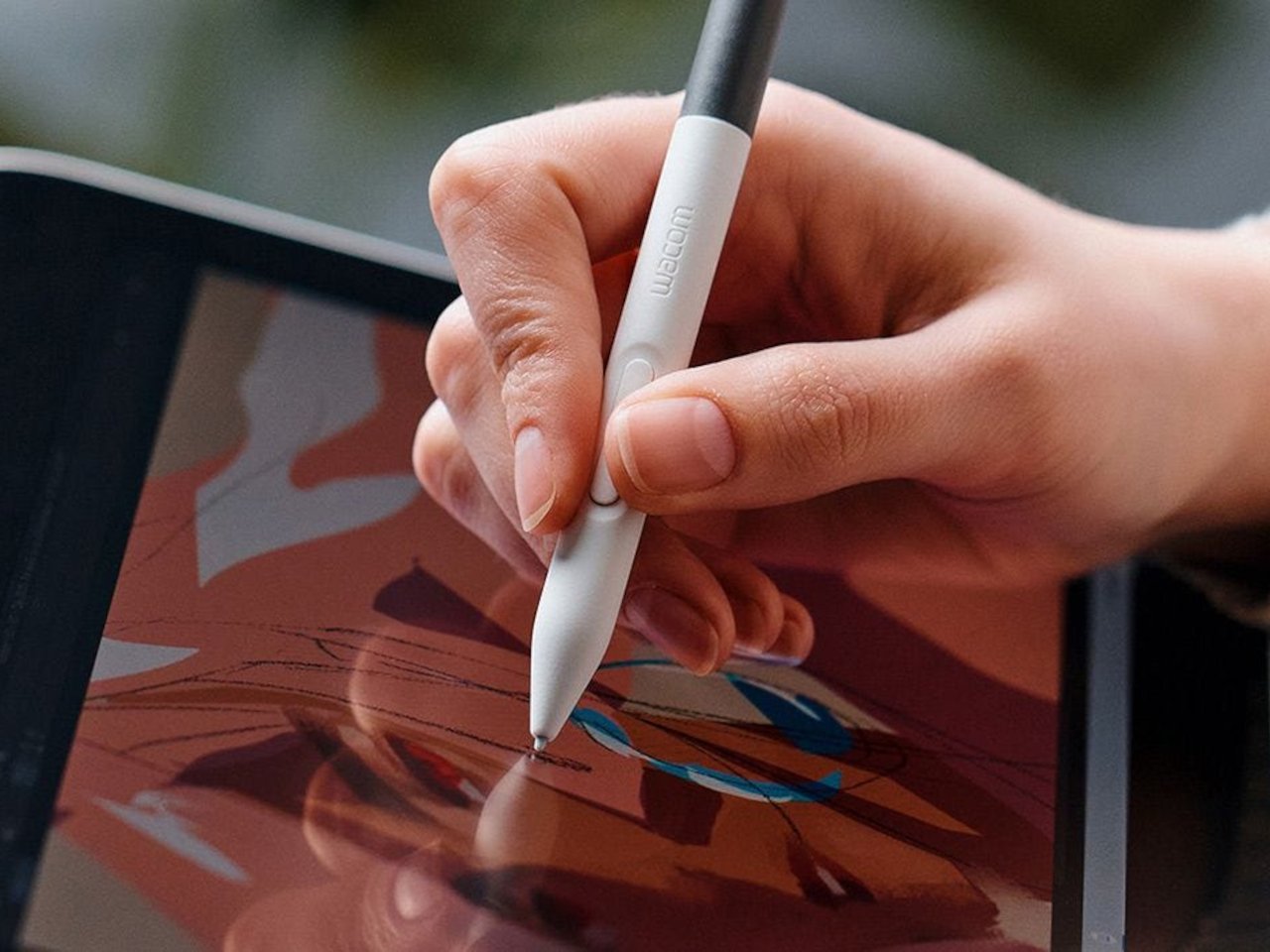
The most impactful element of the experience is the included digital pen, which offers high sensitivity with 4096 levels of pressure. This feature allows for a wide variety of strokes, from light touches to strong, bold lines.
An Experience Close to Traditional Drawing
The technology used in the pen captures even the slightest hand movements, making the transition from traditional paper to the digital screen seamless. This allows learning and practice to feel like a natural extension of the user’s previous experience, rather than a completely new process requiring adjustment.
Easy and Practical Connectivity
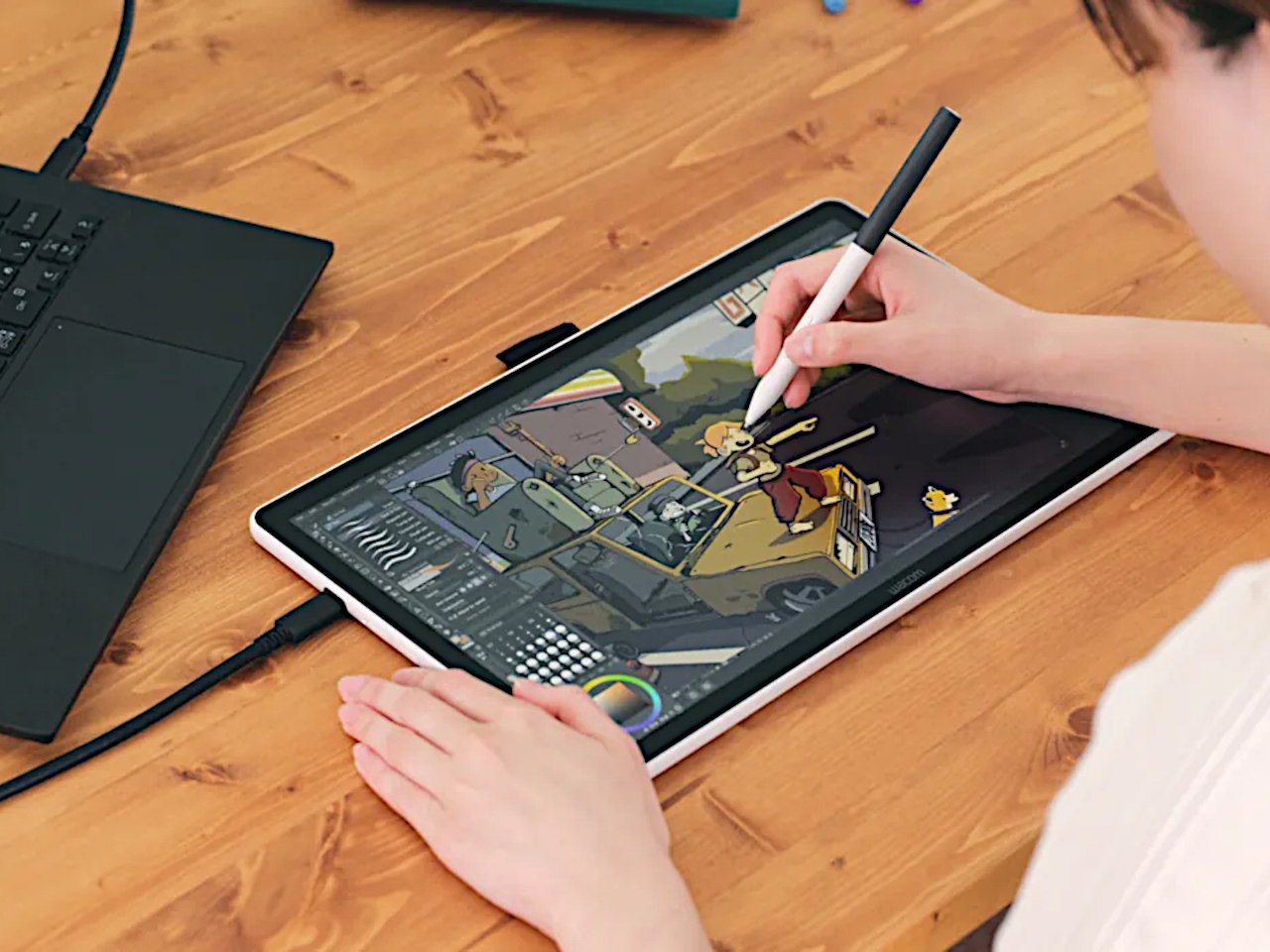
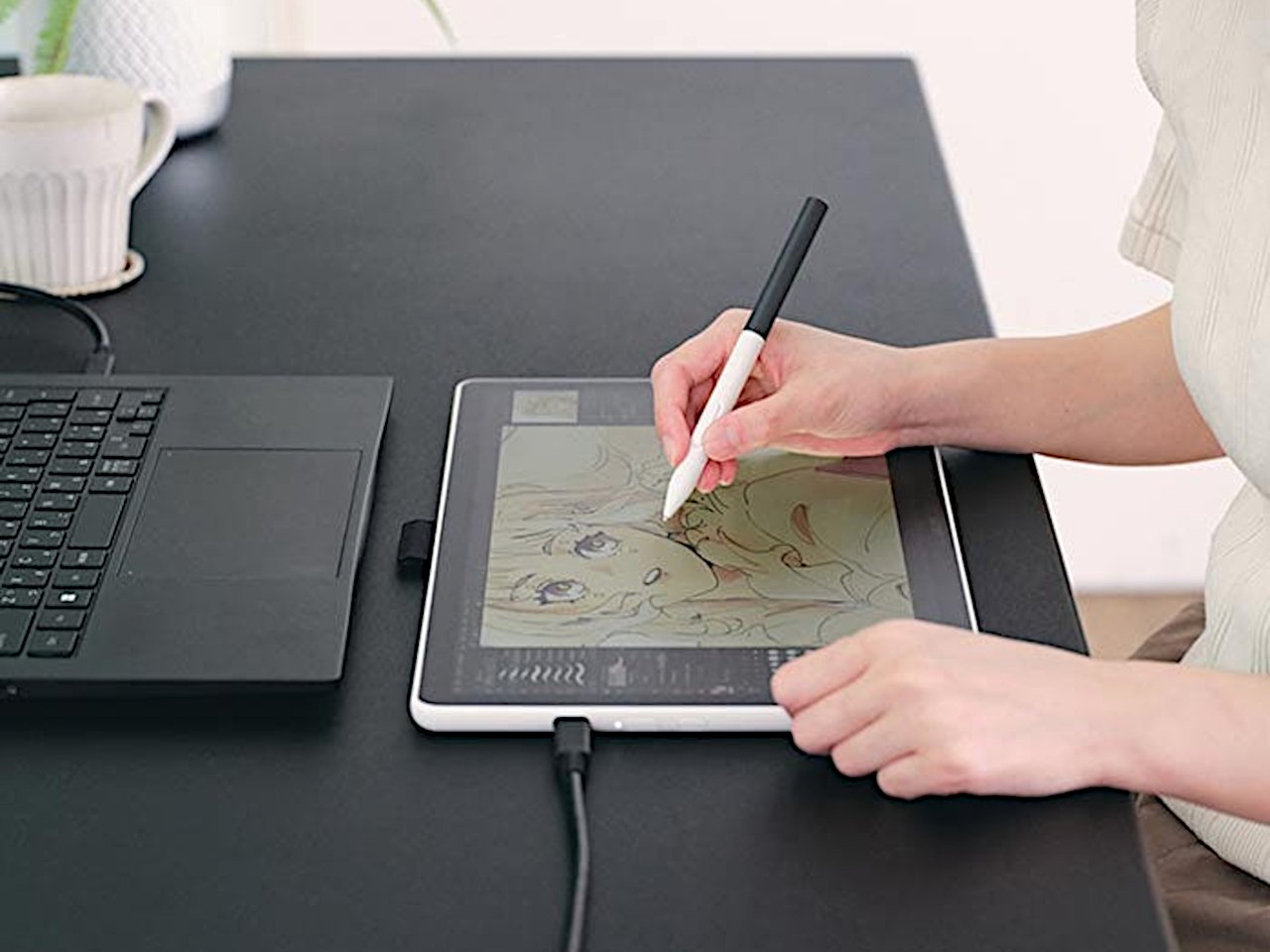
Modern devices simplify connectivity thanks to the USB-C port, which combines data transfer and power delivery in a single cable. This simplicity reduces the need for complex setups or lengthy driver searches, making the start of any project faster and smoother.
Compatibility with Multiple Systems
Connectivity isn’t limited to just one device; it extends to Windows, Mac, Android, and Chromebook. This wide compatibility gives users greater freedom to choose the work environment that suits them without restrictions.
More Than Just a Drawing Tool
Although the primary purpose is to support visual creativity, the uses go beyond that. The device can be employed for handwritten note-taking or adding comments to documents, everyday tasks that enhance productivity while bridging practical and creative work.
Flexibility to Meet Diverse Needs
This versatility shows that the value lies not only in being a drawing tablet but in serving as a multifunctional tool. Here, the educational and productive aspects stand alongside the artistic side, making it suitable for a wide range of users.
Usage Limits Compared to Professional Categories
Although it provides an encouraging experience for beginners, it cannot be placed on the same level as professional devices such as the Cintiq series. Color accuracy remains relatively limited, reflecting its position as an educational option rather than an advanced production tool.
Sufficient for the Learning Stage
Nevertheless, these capabilities are more than adequate for the initial learning phase. The pen features good responsiveness and ease of use, helping beginners build confidence and gradually move toward higher levels of creativity.
Expected Trade-Offs
Some compromises are natural given the affordable price:
- The build quality is solid but not luxurious.
- The screen does not match higher-priced models in terms of color reproduction.
A Device Tailored for the Beginning Journey
This type of device reflects a clear understanding of beginners’ needs, offering a practical and affordable way to start the digital drawing experience without getting lost in technical complexity.
A Less Intimidating First Experience
The simplicity in design and ease of use make the first step into digital creativity less daunting. Instead of being an obstacle or source of concern, the device becomes a tool that encourages exploration and experimentation.
New Horizons for Learning and Creativity
These features open the door for a wide range of students, hobbyists, and new creators to embark on their first experiences in a comfortable environment that helps them gradually develop their skills. In this way, the device becomes a launch point for a longer path of artistic and professional growth.
✦ ArchUp Editorial Insight
The Wacom One 14 can be seen as a useful introductory tool for creative exploration, giving new users the opportunity to experience digital drawing in a direct and simple way. This can be particularly helpful during the initial concept planning or when sketching preliminary ideas for architectural projects. The digital pen and the ample screen space allow for quick representation of hand-drawn sketches or visual note-taking during brainstorming sessions.
However, the device’s limitations become apparent when handling precise operations or professional projects. Limited color accuracy, average screen quality, and the absence of some advanced pen features make it difficult to rely on for producing final sketches or delivering architectural drawings at a professional presentation level. Compatibility with complex software may also be limited compared to devices aimed at professionals, restricting its usefulness during detailed design stages or client presentations.
Based on this, the device is better considered an educational tool or a helper for initial visualization rather than a comprehensive solution for architectural studios. It is useful for architects and hobbyists to practice digital drawing or quickly test ideas, but production and final delivery stages usually require more specialized and professional tools.
Prepared by the ArchUp Editorial Team
Don’t miss the chance to explore more from Architecture in fields like Buildings and Design on the ArchUp website.