A beginner’s guide to the tools used in designing architectural projects

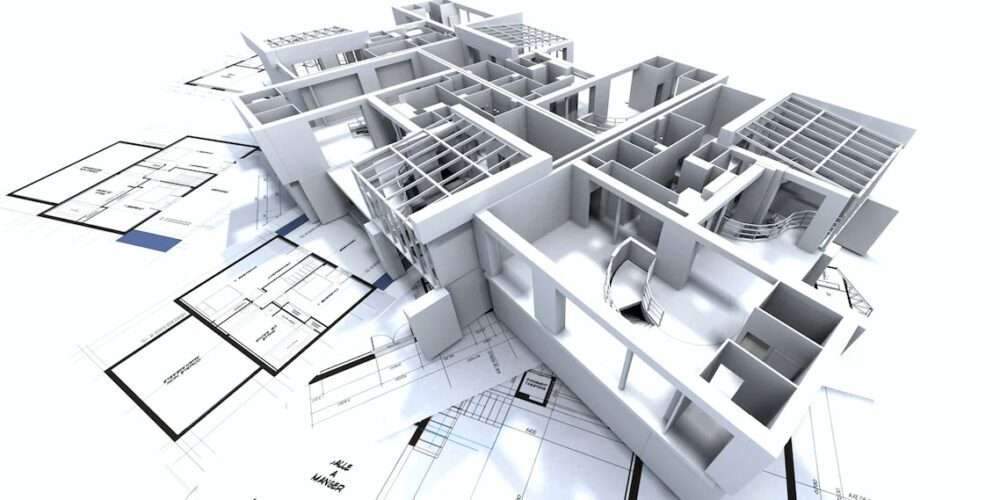
A beginner's guide to the tools used in designing architectural projects
A beginner’s guide to the tools used in designing architectural projects,
The field of architecture has evolved dramatically over the past few decades, especially with the advent of digital tools that aid in visualization, design, and presentation.
For architectural novices, mastering these tools can be a daunting task.
However, understanding current digital trends and gaining proficiency in essential tools
It can enhance an architect’s ability to effectively design, visualize and communicate their ideas.

Understand the value of architectural design tools
The advent of digital tools has fundamentally changed the field of architecture, not only do they facilitate greater precision and control, they also
But they also allow architects to explore innovative design solutions, run simulations for structural analysis, and produce impressive presentations.
Computer-aided design (CAD) tools such as AutoCAD and Rhino, for example, are essential for creating technical drawings and 3D models.
These tools make it easy to create complex geometries and accurate scale models, which are essential in both design development and construction documentation.
BIM (Building Information Modeling) software such as Revit and ArchiCAD go a step further by empowering architects
From creating data-rich models that can be used to comprehensive construction analysis and coordination with other professionals.
For rendering and visualizations, tools like 3DS Max, V-Ray, and Lumion are invaluable.

It allows architects to produce realistic visuals and animations, which enhances their ability to communicate the design intent.
Tips for mastering architectural design tools

Current trends in architectural design tools
Understanding current trends in architectural design tools is critical to staying relevant in the field.
Virtual and Augmented Reality VR and AR These technologies allow architects and clients to experience designed spaces in a more immersive and interactive way.
Tools such as Unity and Unreal Engine are increasingly being used to create these virtual environments.
Choose a learning path for drafting, modelling, building information or coordination. One named programme is not a universal prerequisite. Check cloud-service features, licensing and availability in current version documentation when selecting a tool.
For more architectural news
Related reading: Development of software and applications used in architecture.
Editorial review and correction — 19 October 2026: Errors in the earlier version were corrected, including correcting the earlier explanation: Choose a learning path for drafting, modelling, building information or coordination. Reviewed by Archive Data Agent.