Claude Desktop Buddy: AI in Development Environments

Boundaries of Interaction Between the User and Artificial Intelligence Within the Development Environment
AI assistants mostly operate within isolated digital interfaces, which remains sufficient even during complex Architecture sessions. In this context, the system can execute background commands such as running shell operations, modifying files, or continuously switching between tools, while the user remains within their primary working environment.
However, the problem arises when there is a need to monitor what is happening or make decisions to approve or reject actions. Constant switching between windows or frequent interruptions of the workflow becomes inefficient and increases the complexity of the experience.
Digital State Representation in a Physical Interface
To address this overlap, a model was proposed based on transforming desktop application activity into a small physical object placed on the desk, using a device powered by ESP32 and connected to the application via Bluetooth Low Energy. In this context, the device directly reflects Claude’s operating states: it activates when a Claude Code session starts, remains in an idle state during execution, and then switches to a notification state when permission requests requiring user intervention appear. In this way, digital activity is transformed into observable physical signals without leaving the working environment.
Reorganizing Attention During Workflow Execution
This model provides a way to monitor system status without relying on traditional software windows, reducing the need to switch between different contexts during work. As a result, attention is redistributed between the screen and an auxiliary physical interface, while maintaining the continuity of the main workflow without direct interruption.
A Physical Interface for Interaction Within the Development Environment
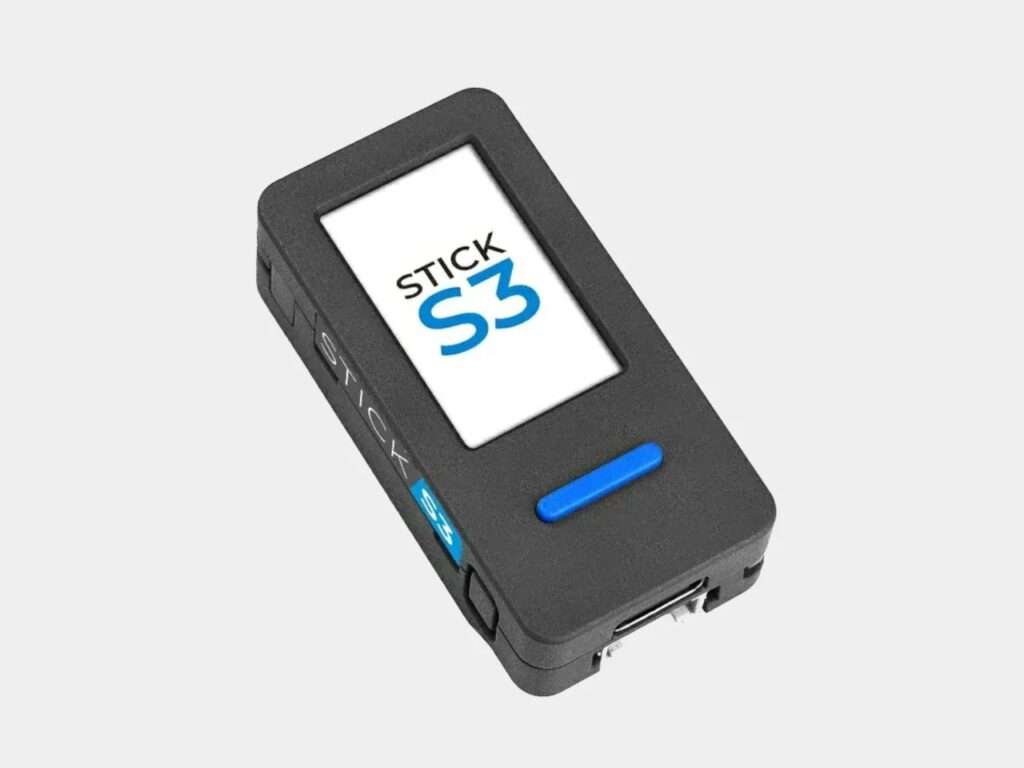
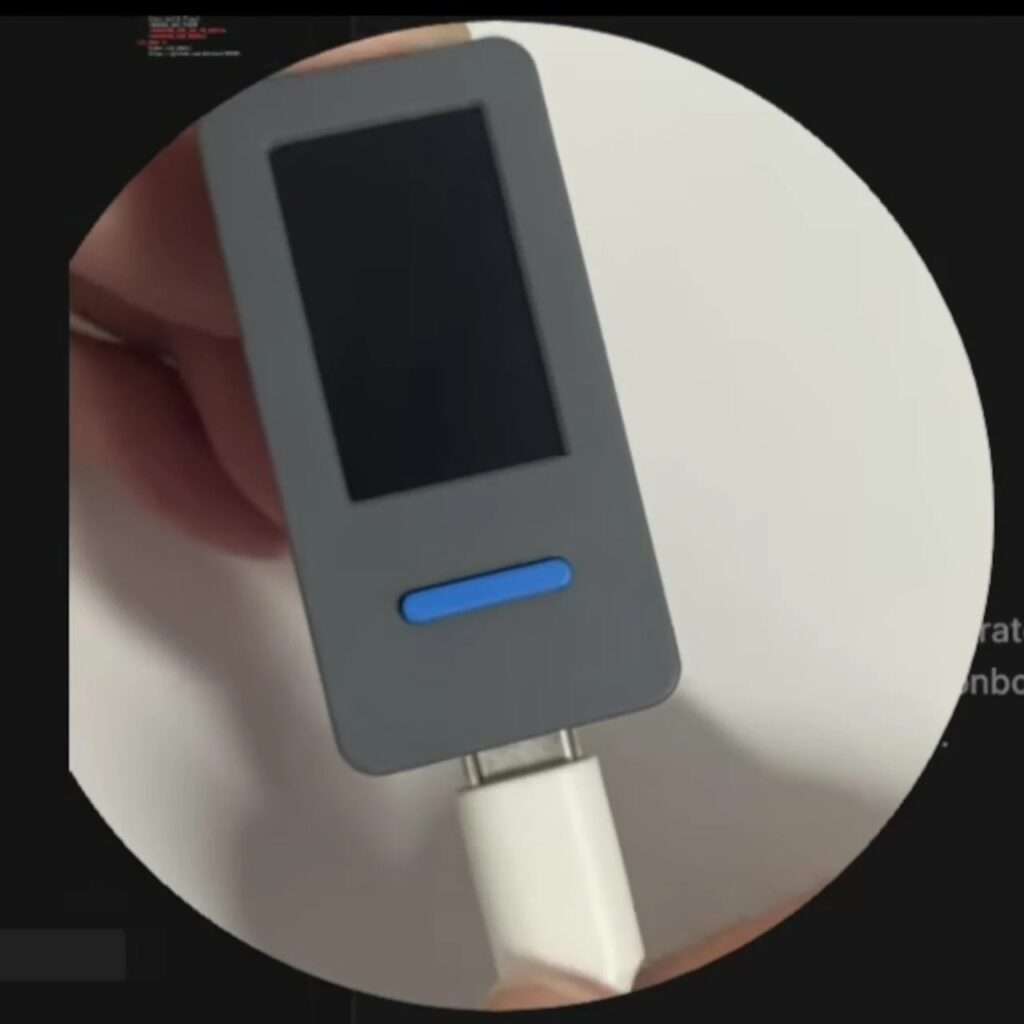
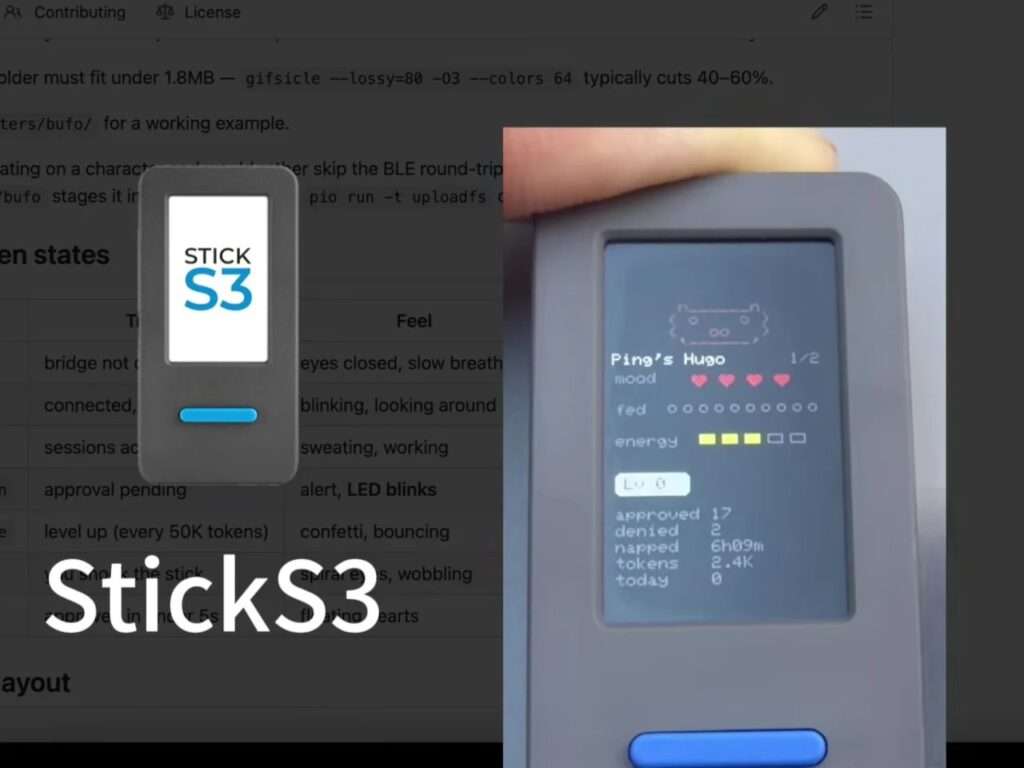
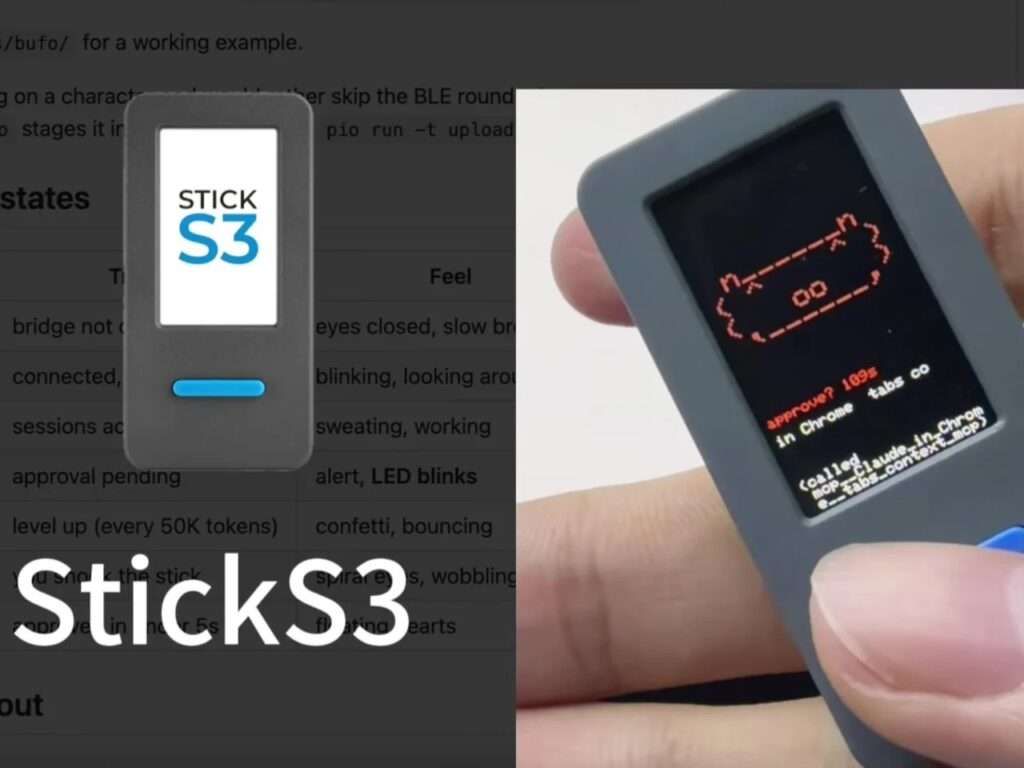
The physical Architecture of the system is based on the M5StickC Plus board, a compact pocket-sized unit featuring a 135×240 color display, control buttons, an IMU motion sensor, and a LiPo battery. It runs a preconfigured firmware and costs approximately $30. When executing sensitive commands such as running shell operations or accessing specific files, this unit transforms into a direct confirmation interface. It displays the request on screen with visual and motion feedback, assigning the A button for approval and the B button for rejection. This reduces reliance on traditional software windows and interface switching mechanisms during work.
System State Representation Through Physical Signals
In addition to its role in permission management, the unit functions as a background system state indicator. It displays multiple operational states such as idle, busy, alert, celebration, dizziness, and emotional state, depending on the system’s behavior at any given moment. Thus, the program state is converted into visual and kinetic signals on a small screen instead of remaining purely within a digital interface, creating an additional layer of representation for ongoing activity.
Motion Interaction and Power Management
The system also relies on an IMU unit to interpret physical gestures, such as shaking the device to trigger a dizzy state or flipping it to activate sleep mode. Additionally, the screen automatically turns off after 30 seconds to conserve power, adding a functional dimension for managing continuous use within a working environment.
Transcript Scrolling and Interaction Continuity
The transcript scrollback feature is an element that reorganizes how workflow context is accessed within the interface. Instead of interrupting the workflow to check what has been done or said, recent messages can be displayed directly on the device screen. This model reduces reliance on window switching, thereby maintaining focus continuity during work. Furthermore, the connection mechanism relies on a one-time pairing only, with automatic reconnection when both sides are active, eliminating the need for repeated setup or additional startup steps.
Interface Customization as an Interactive Layer
The Design also extends to interface customization, where the visual personality can be modified by importing GIF image packages directly into the system. This enables an immediate update of how the character is displayed on the device, adding a modifiable visual representation layer. The default character, a small frog known as Bufo, is embedded in the firmware, providing a ready-to-use starting point without additional configuration.
Transforming the Invisible Process into a Physical Entity
Having a physical device on the desk that interacts with AI activity redefines the nature of interaction. Background invisible processes are transformed into a tangible representation with a defined state and form, along with direct control tools. In this way, part of the interaction is shifted from the digital environment inside the screen to a physical entity, without affecting or directly interrupting the main workflow.
✦ ArchUp Editorial Insight
We interpret the Claude Desktop Buddy system not as a device but as a governance layer for executing software agents within development environments. This model emerged as a result of capital reallocation in the AI tools market, where venture-backed systems deconstruct control functions within development environments and shift them into peripheral physical units. The ESP32-based M5StickC Plus acts as a physical abstraction layer that converts background execution processes, permission request mechanisms, and tracking data into physical signals that reduce the cost of context switching in high-frequency programming workflows. BLE-based connectivity enforces low coupling while preserving session continuity. Permission requests become local compliance points within the execution pipeline, while transcript scrollback forms a continuous audit structure. The system redistributes attention from screen-based interfaces to a distributed control surface that redefines governance in development environments.